What Wealthy Affiliate Hosting Support Is Actually Like (A 5-Minute Real Example)
Disclosure: I’m a Wealthy Affiliate member, and some links in this post are affiliate links. If you join through them, I may earn a commission at no extra cost to you.
Every hosting company says its support is excellent. You only find out whether that’s true when something goes wrong.
This week, something looked like it had gone wrong on this site. Here’s exactly what happened, what I sent, and what came back.
The problem
Before applying an update, I went to check my backups in UpdraftPlus, the backup plugin I use. I was greeted by two warnings:
- WordPress’s scheduler was “disabled” by a setting called DISABLE_WP_CRON.
- Nine scheduled tasks were overdue, and my latest backup was stuck “waiting to retry”.
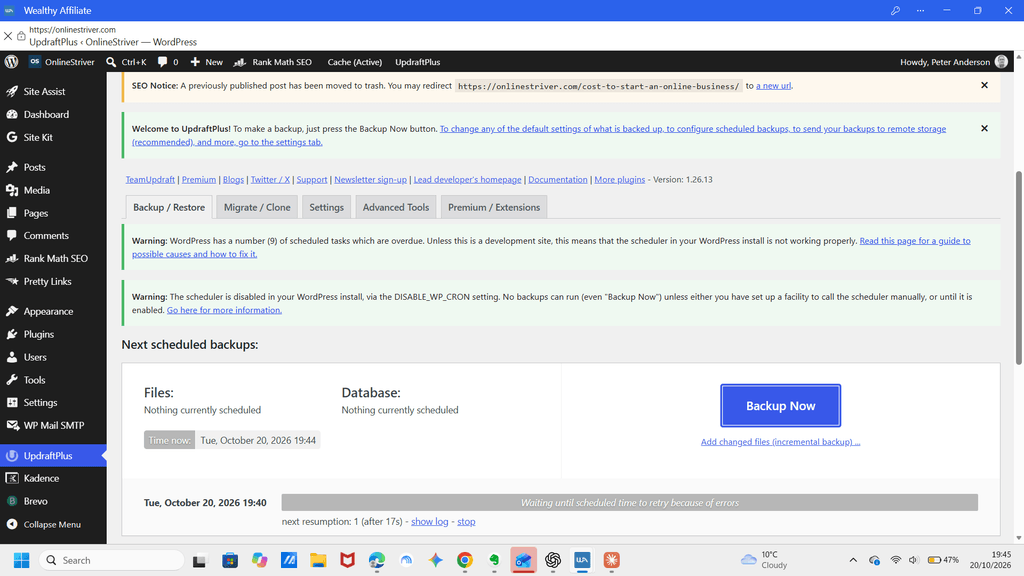
I’m not a developer. To me, that read as “your backups are broken”, which is not what you want to see before an update.
To make sense of it, I’d asked an AI assistant. It agreed: my backups weren’t running, and this was a hosting-level problem.
What I sent support
I didn’t try to translate it into technical language. I opened a ticket in Wealthy Affiliate’s Site Support and pasted in what the AI had told me, with a short note asking for advice.
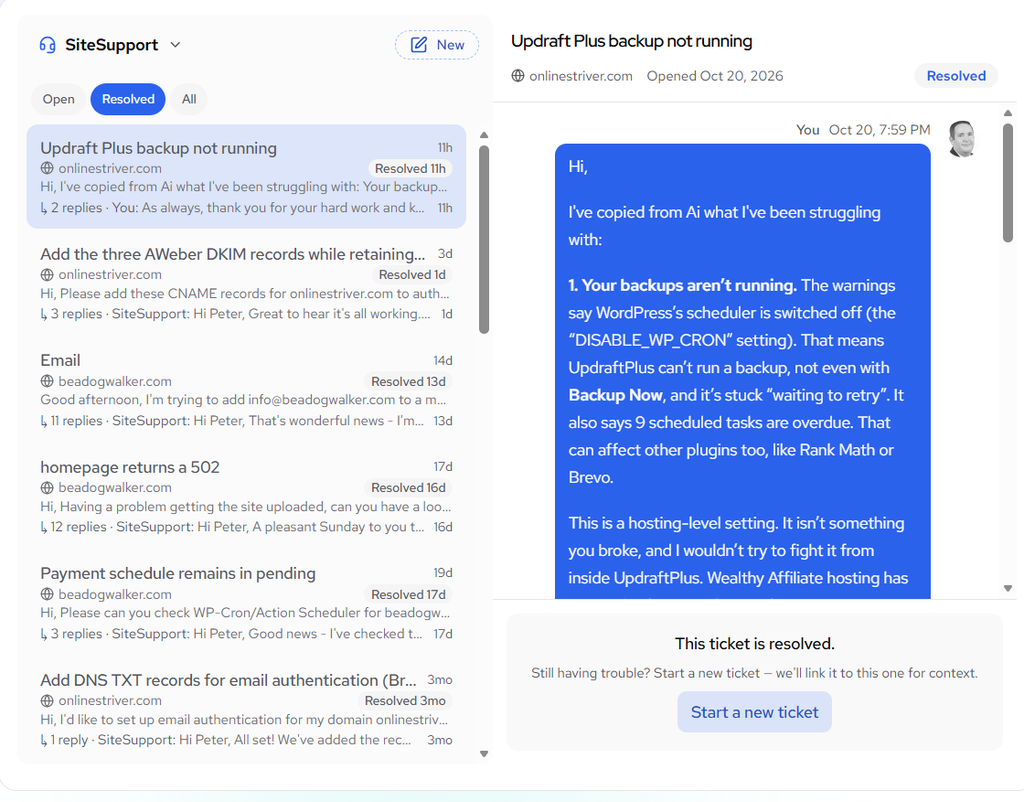
That’s worth saying on its own. You don’t need to know the right words. You can describe what you’re seeing, or paste in your notes, and ask.
What came back, and how fast
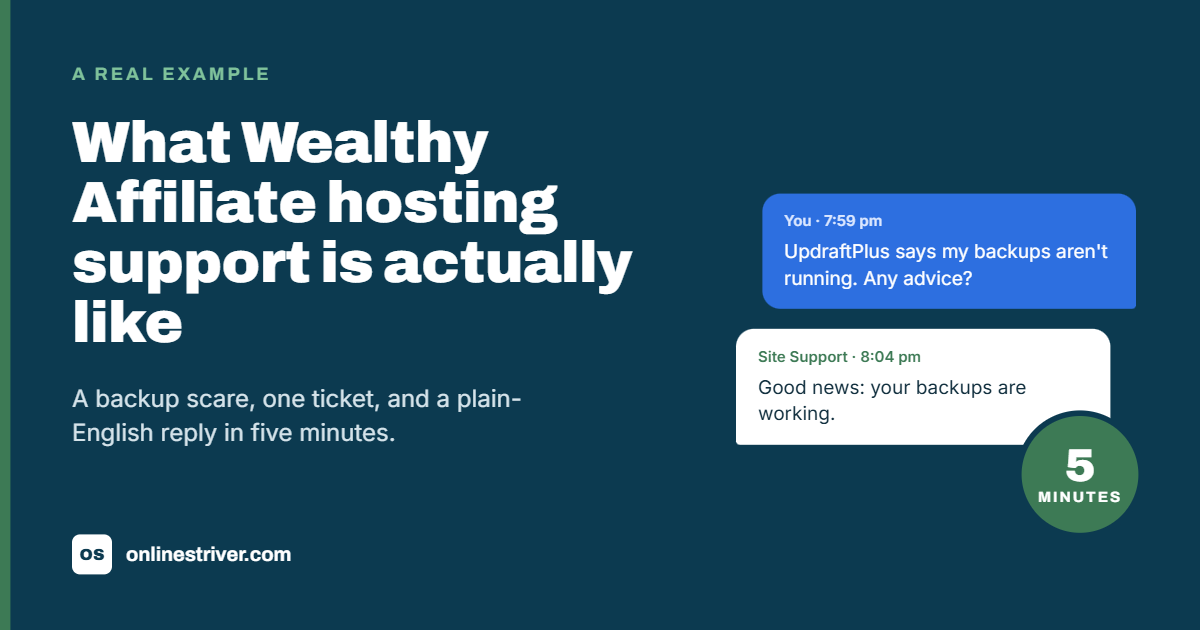
I had a reply in 5 minutes, on a Monday evening.
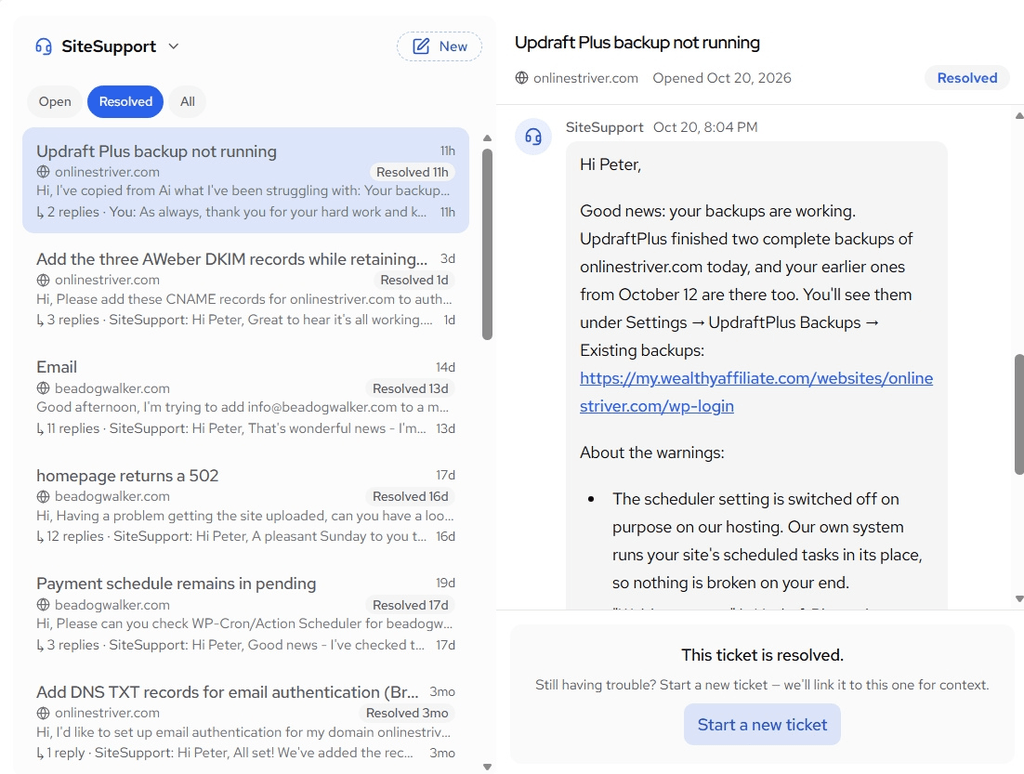
In short, it said:
- My backups were working. Two had completed that day, and older ones were still there.
- The scheduler is switched off on purpose. WA’s hosting runs scheduled tasks with its own system instead, so nothing was broken on my end.
- The “waiting to retry” message was harmless. UpdraftPlus was trying to tidy up a couple of system folders it can’t read.
- They’d cleared the overdue tasks on my site while they were at it.
- WA keeps its own backups of the whole site, and I can ask for a downloadable copy before any big update.
So the AI was wrong. It made a reasonable guess from the warnings, but it didn’t know how this particular host is set up. Support did.
The honest bit
One thing didn’t quite line up. The reply said both of that day’s backups were complete, but UpdraftPlus still labelled them “Not finished”.
The parts were all there, and WA keeps its own backups anyway, so I wasn’t at risk. But it’s a useful reminder: support can be quick and right about the big picture, and you should still look for yourself. That applies to AI tools too.
This wasn’t a one-off
Looking back through my tickets, I’ve used Site Support for:
- adding DNS records for email authentication
- setting up an email address on a new domain
- fixing a 502 error when uploading a new site
- checking a stuck payment schedule on my product site
Each time, I got a plain-English answer, and usually they made the fix themselves rather than sending me off to read documentation.
What this tells you if you’re weighing up Wealthy Affiliate
If you’re not technical, support matters more than almost any feature on a sales page. From my experience:
- It’s fast. I got about a 5-minute reply in the evening.
- It’s written for non-experts. No jargon.
- They act on the problem. They fixed things rather than only explaining them.
- The limits are worth knowing. Their backups run on their system, so ask for a copy before big changes, and check plugin messages yourself.
If you want the full picture, including what I like less about the platform, read my Wealthy Affiliate review and Is Wealthy Affiliate Legit?.
And if you’re still deciding what kind of online business to build in the first place, start with my free Starting Point Workbook.
If you’d like to see the platform for yourself, you can start a free Wealthy Affiliate account here